About this Plugin
Blueprint Operations
AI-Powered Blueprint Export, Analysis, C++ Generation & Visual Inspector for UE
What is Blueprint Operations?
Export Blueprints to JSON, analyze with AI (Ollama/OpenAI/Gemini/DeepSeek/Kimi and many more), generate C skeletons, visual graph inspector. 244 C files. 100% standalone.
Overview
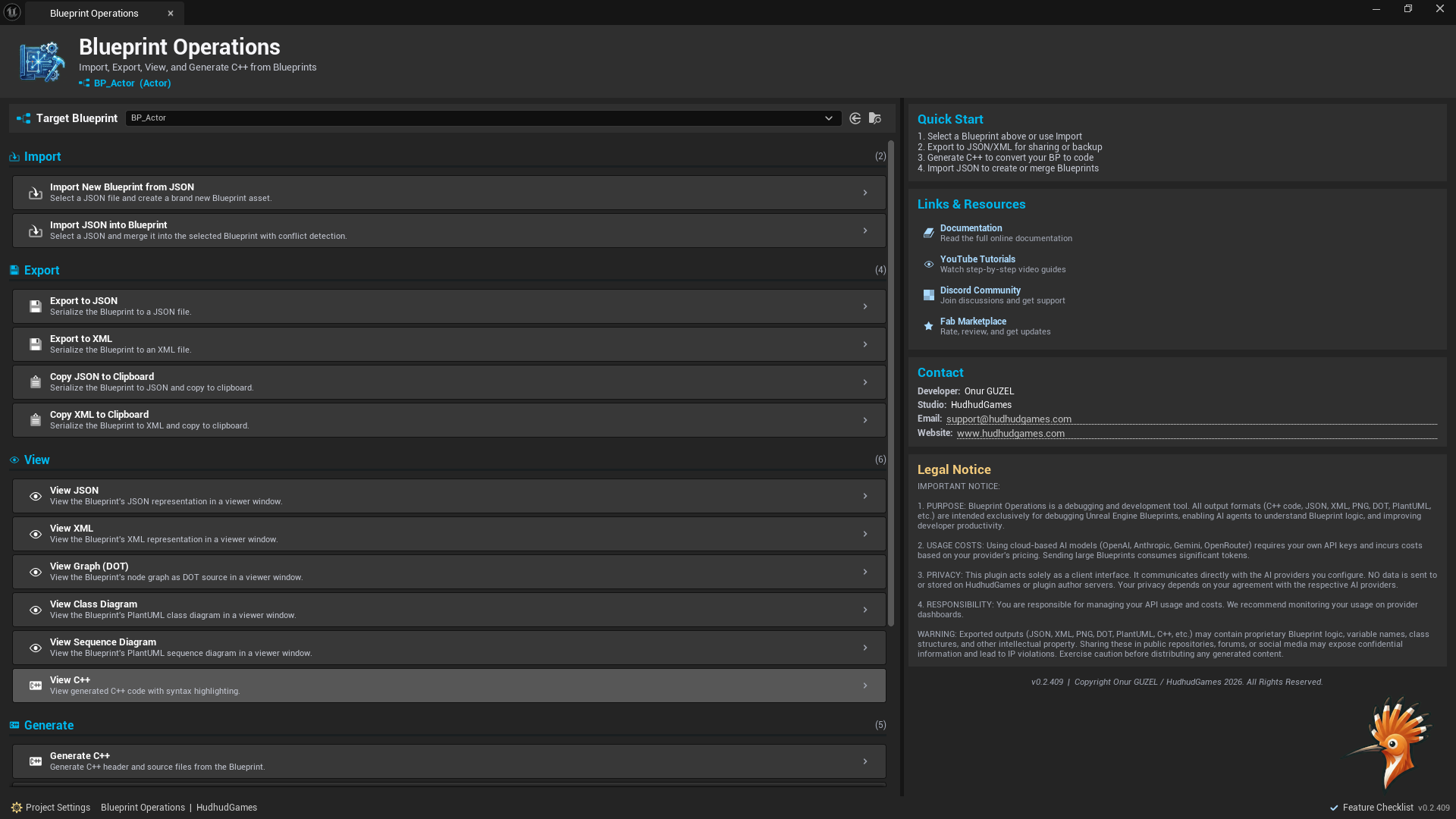
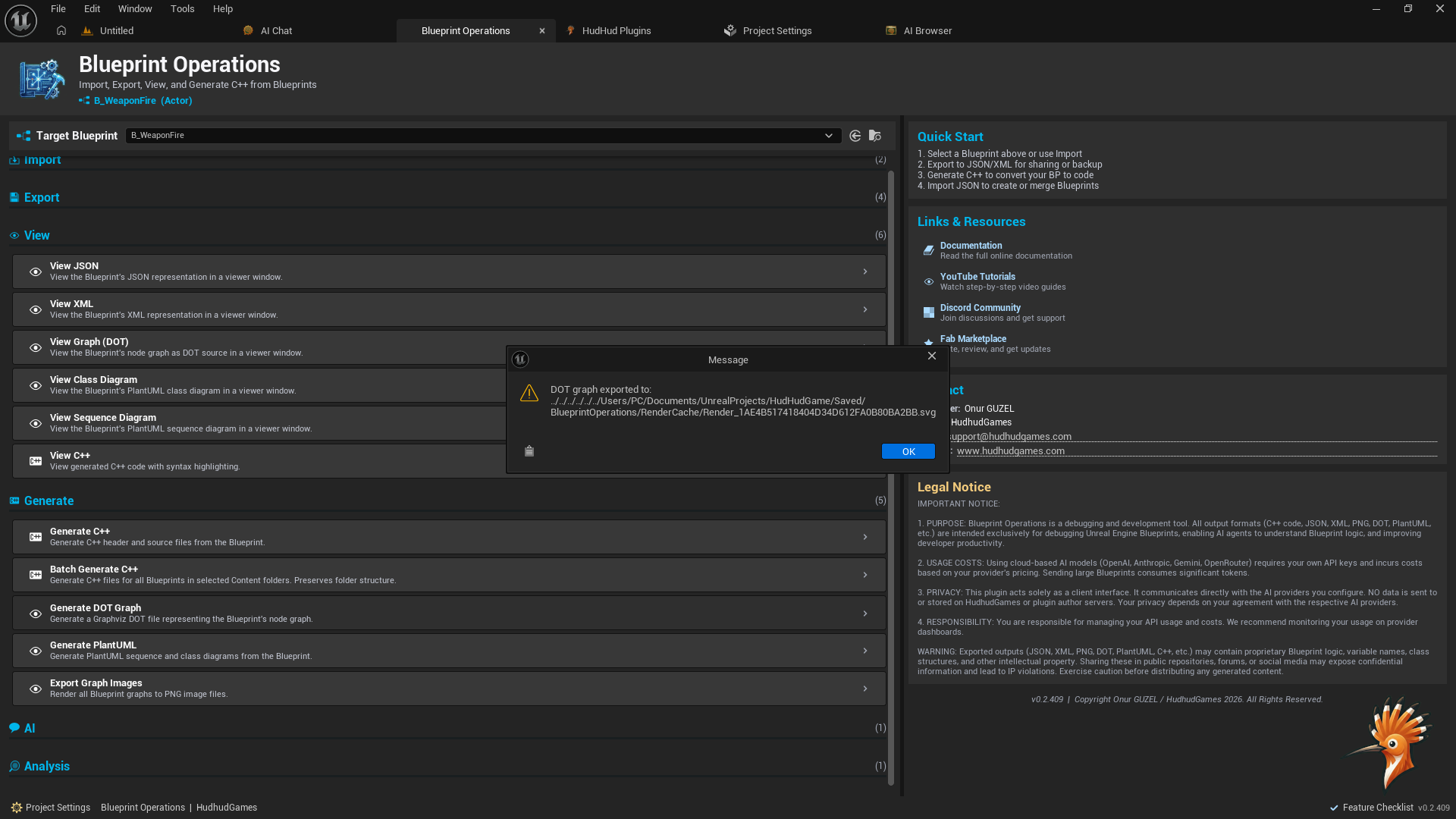
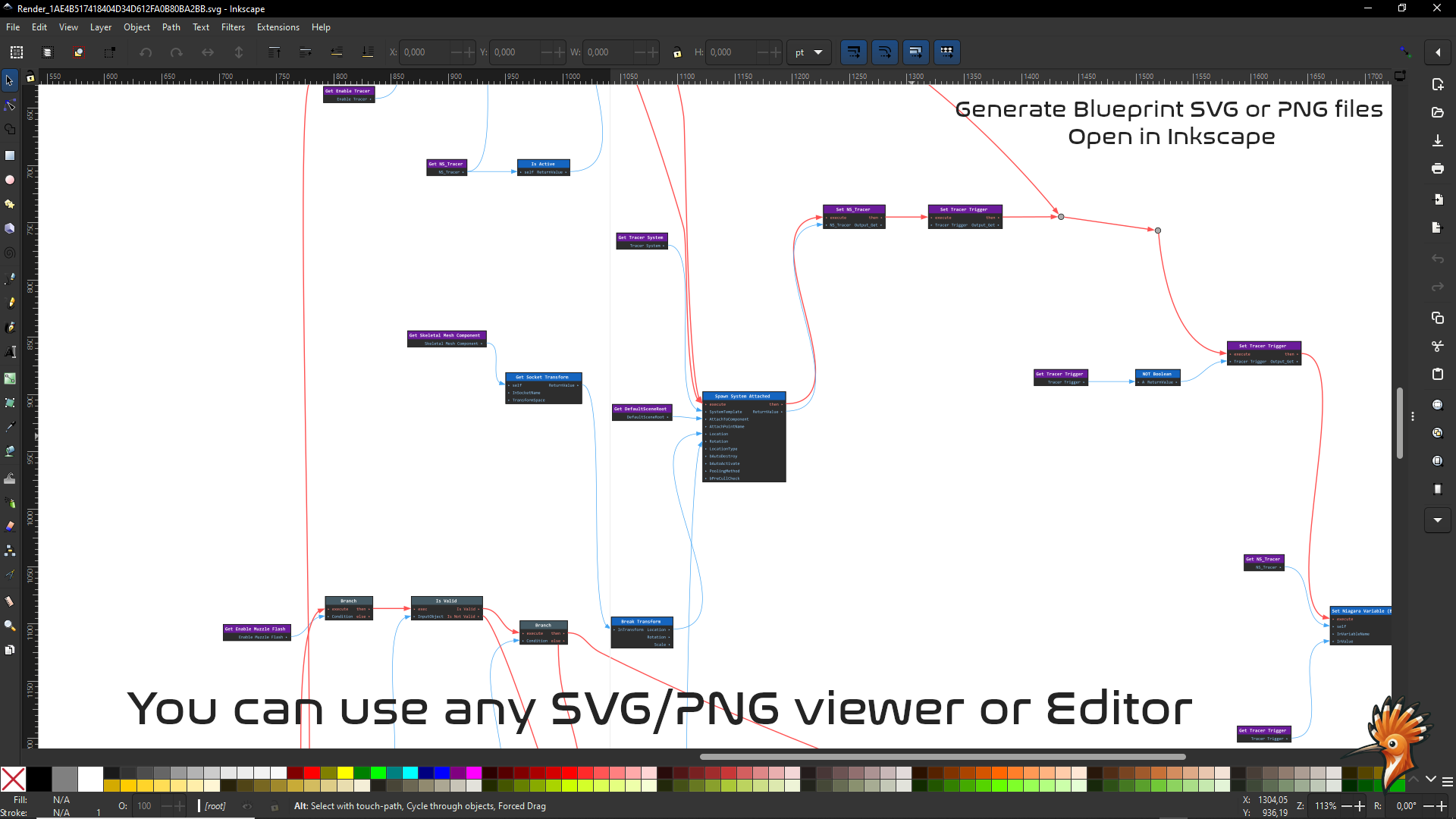
Blueprint Operations is the most comprehensive Blueprint utility toolkit for Unreal Engine. It bridges the gap between visual scripting and text-based workflows by exporting Blueprint graphs to structured JSON, enabling AI-powered analysis, generating placeholder C++ code, and providing a full visual graph inspector — all from the Content Browser context menu or a dedicated editor window.
Whether you’re documenting your Blueprint architecture, migrating to C++, leveraging AI assistants to understand complex graphs, or inspecting Blueprint data in a rich visual UI, Blueprint Operations streamlines your entire workflow without ever leaving the editor.
Built with 244 C++ source files and over 20,000 lines of hand-written code — this is one of the largest and most feature-rich Blueprint tools available.
Key Features
Blueprint Export System
- Export any Blueprint asset’s graphs and variables to clean, structured JSON
- Copy JSON directly to clipboard for instant sharing with AI tools
- Recursive folder export for batch processing entire projects
- Optional AI Context metadata for richer analysis
- Configurable output format and directory structure
AI-Powered Analysis — 3 Providers
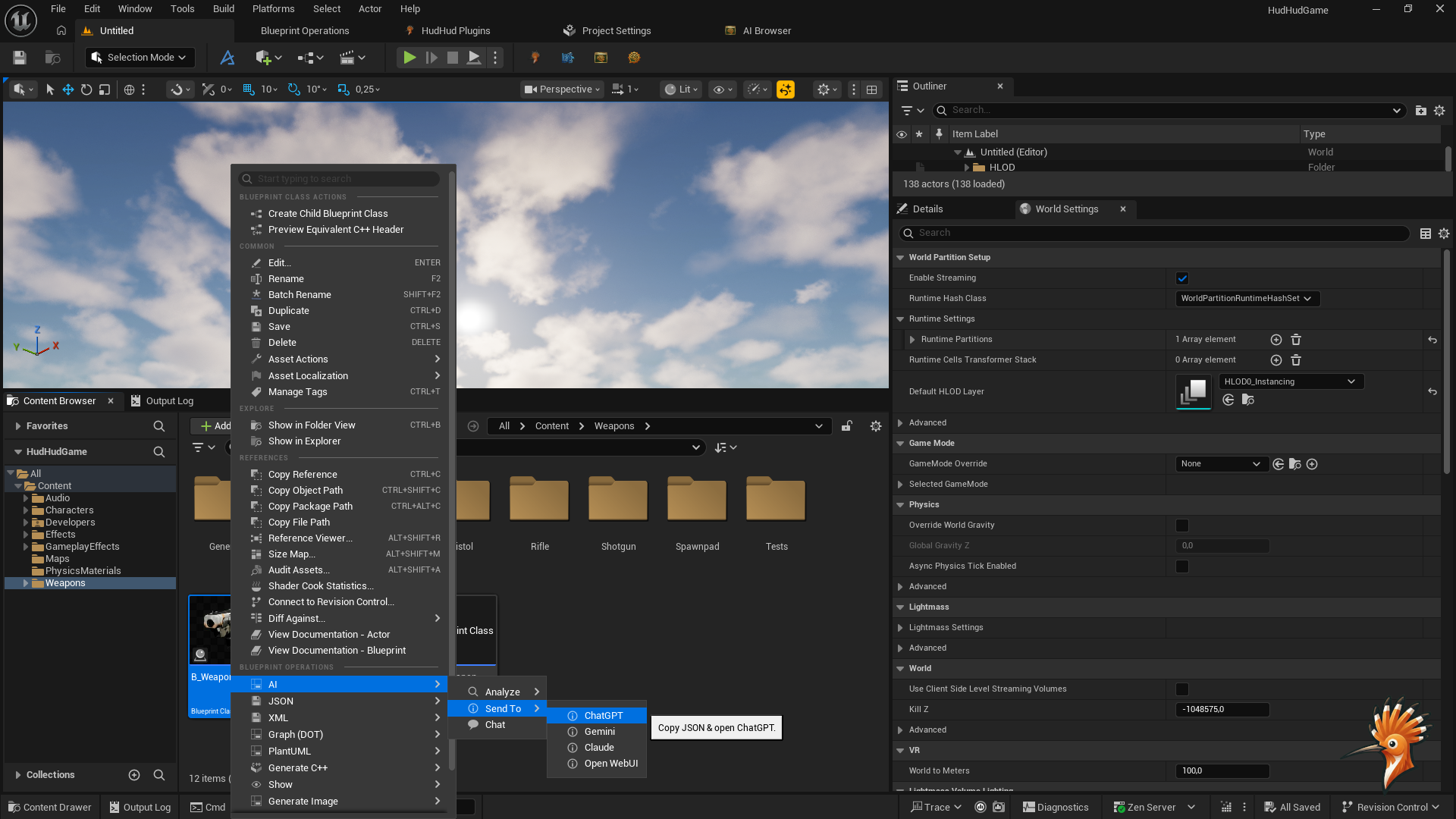
- Send Blueprint JSON directly to AI providers from the Content Browser
- Supports Ollama (local LLM), OpenAI (GPT-4o, GPT-4), and Google Gemini
- Customizable prompt prefix and format templates
- Automatic code block extraction from AI responses (.h / .cpp pairs)
- Save AI responses to disk for documentation and review
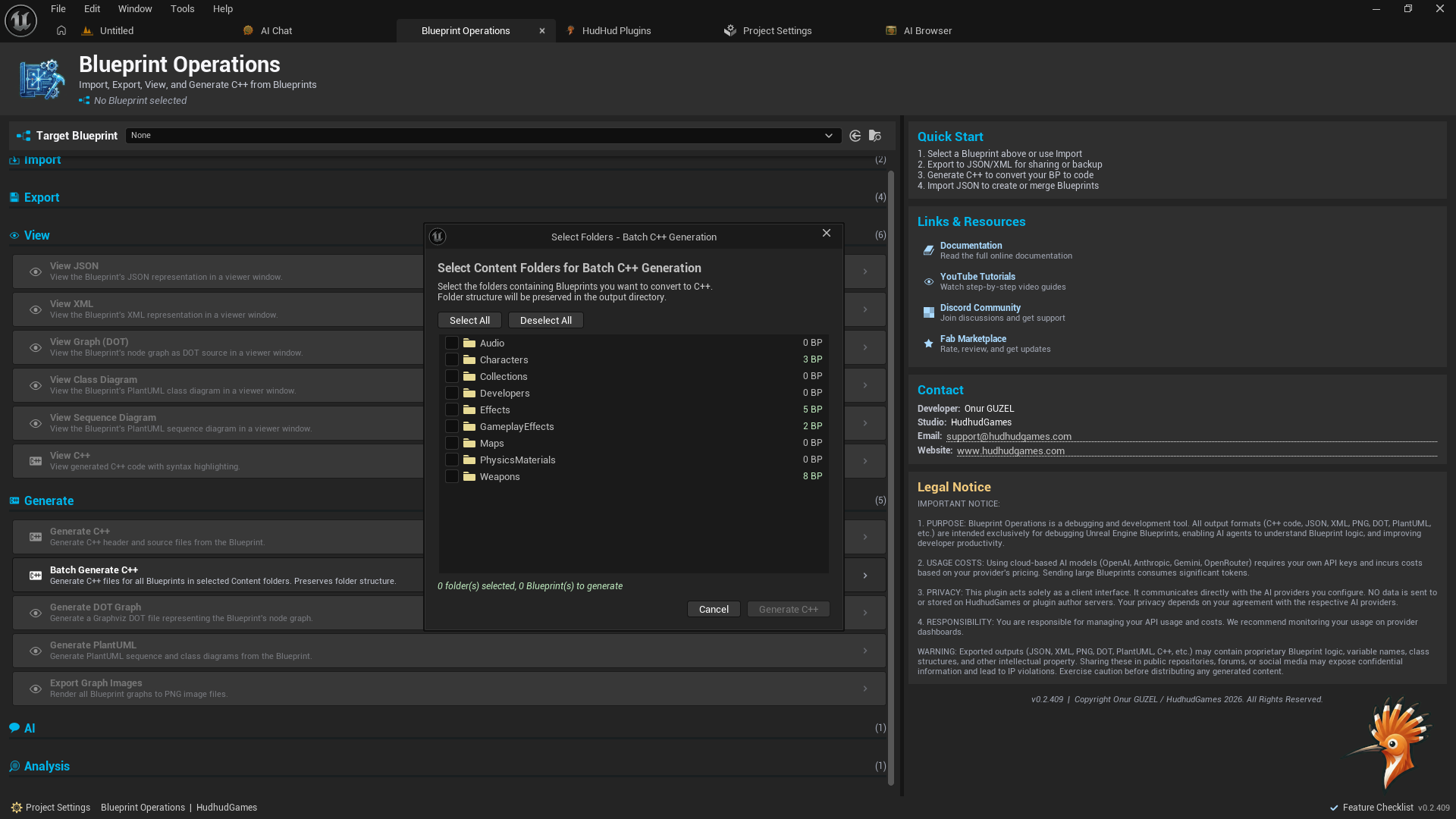
- Batch AI analysis for entire folders
C++ Code Generation
- Generate placeholder C skeleton files from Blueprint JSON
- Structural approximation of Blueprint classes, functions, variables, and pin connections
- Advanced pin type resolution with literal resolvers, macro resolvers, and pure function resolvers
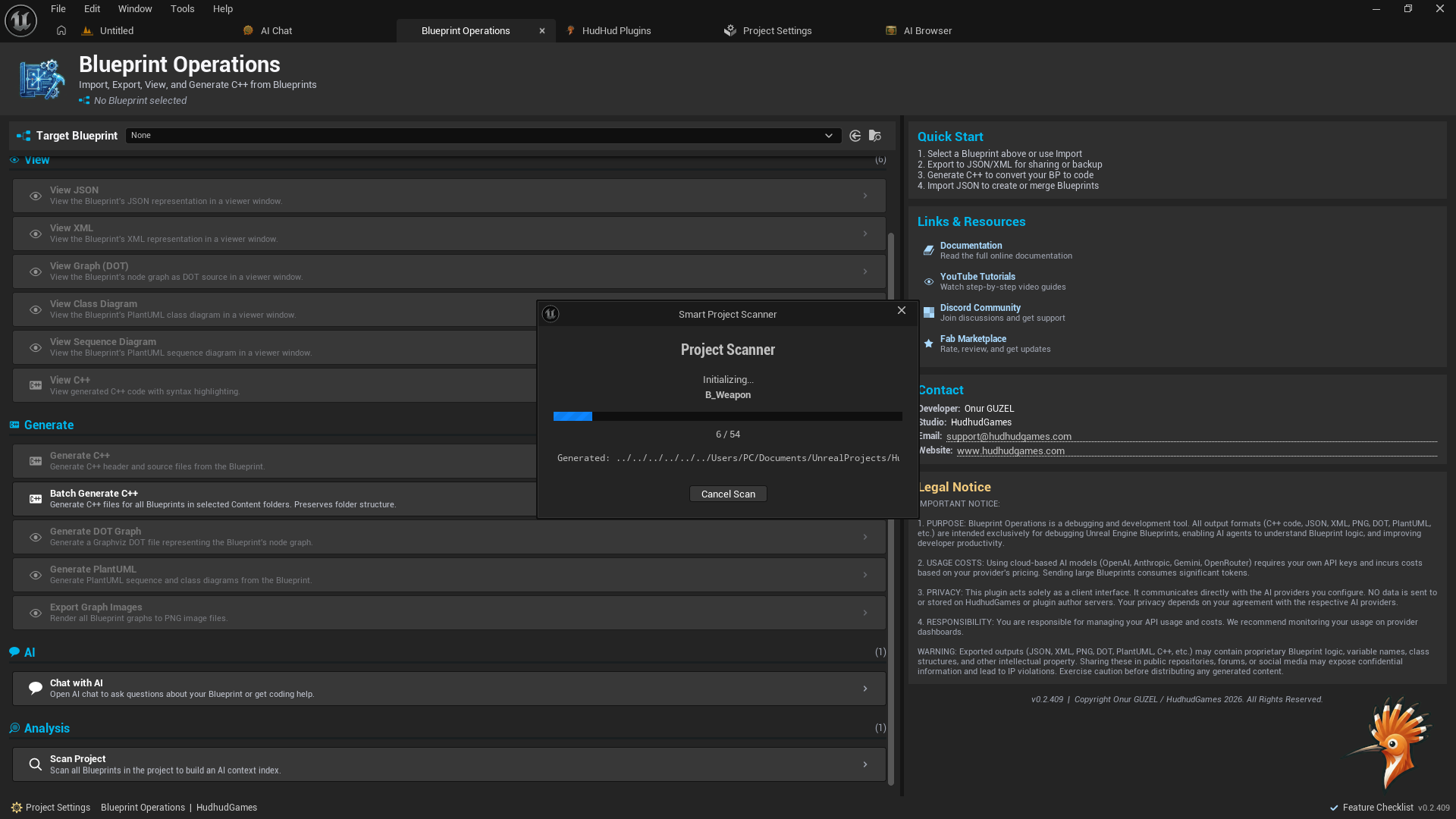
- Batch generation with recursive folder support
- Perfect starting point for Blueprint-to-C migration projects
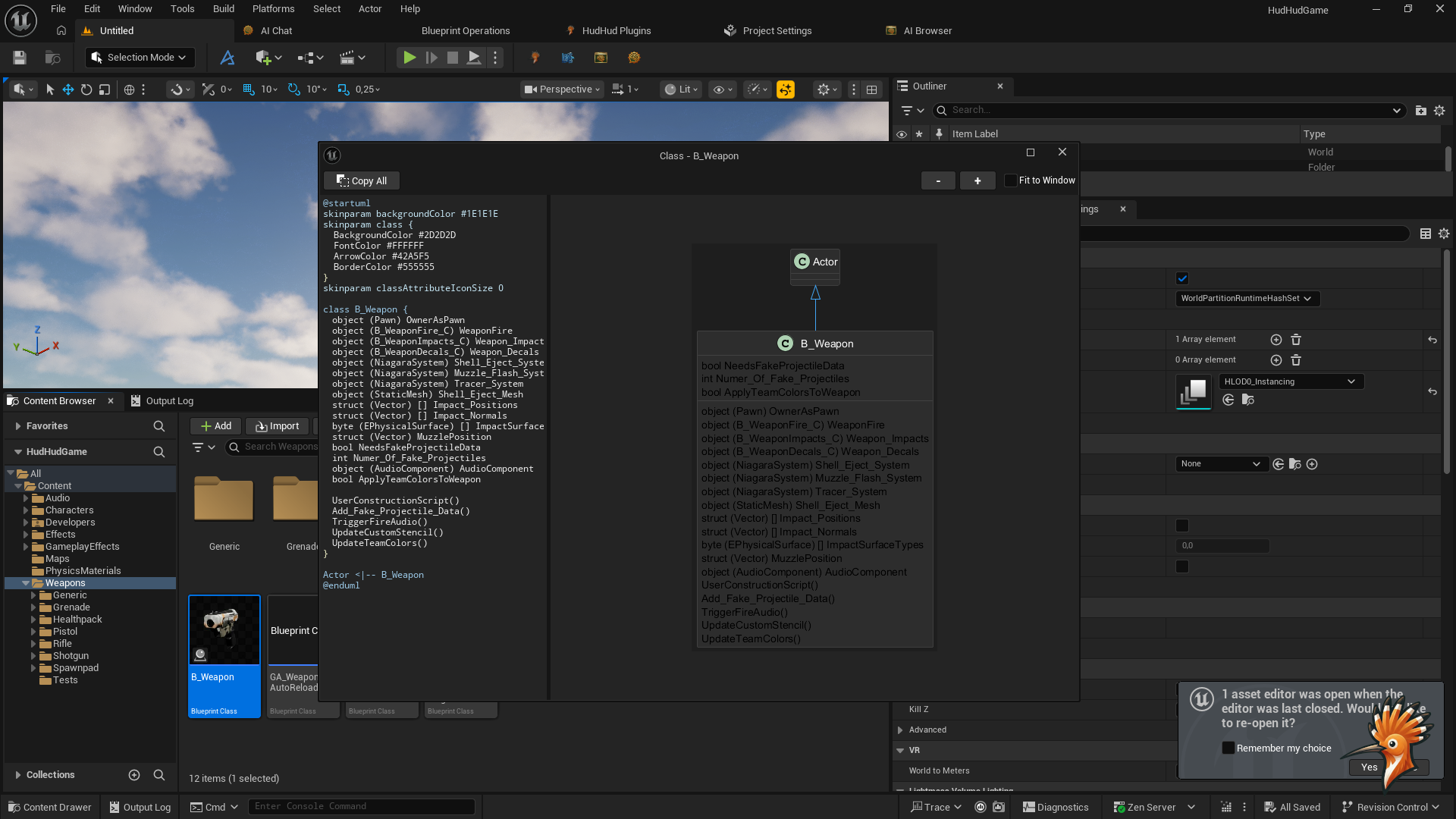
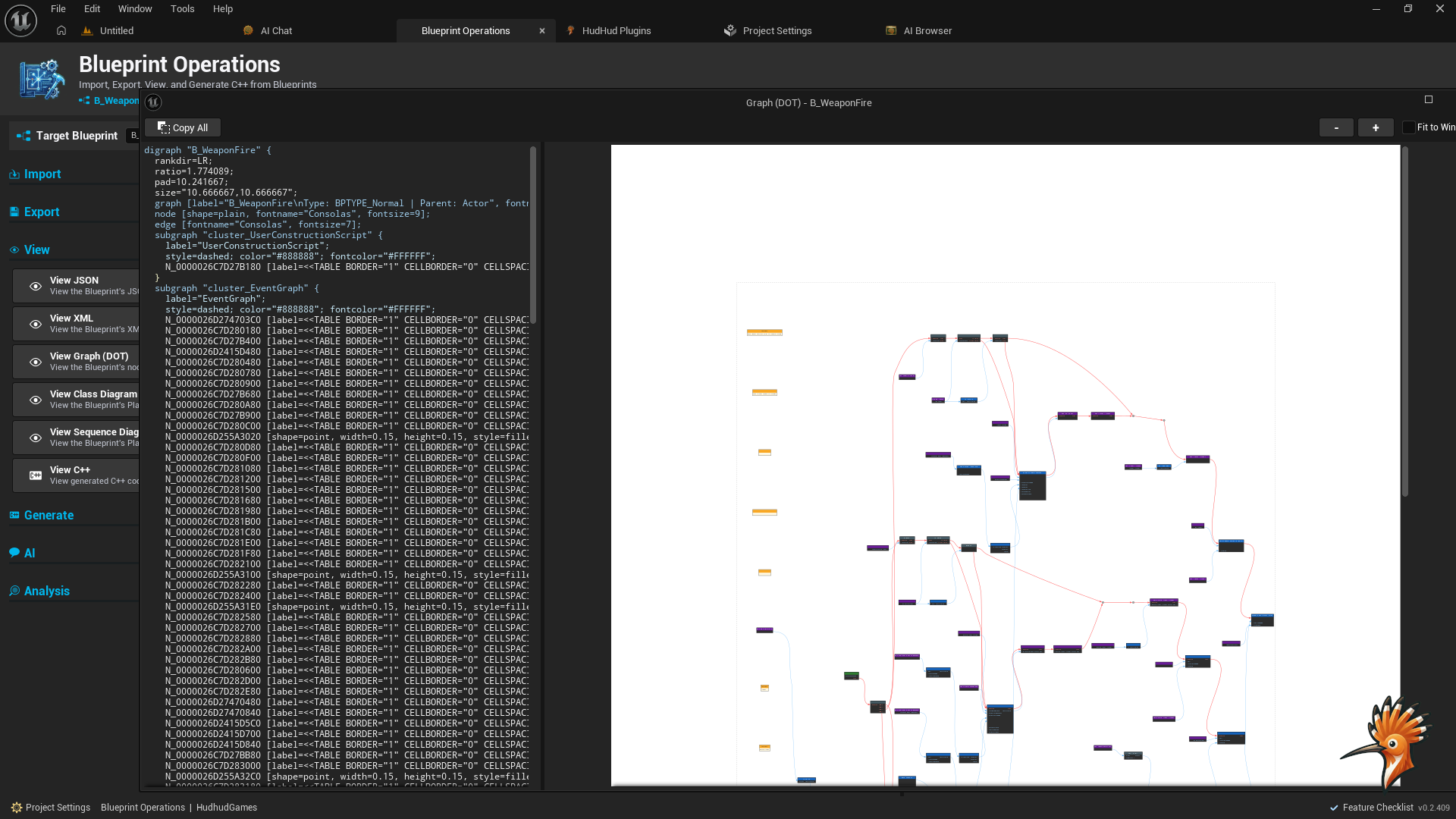
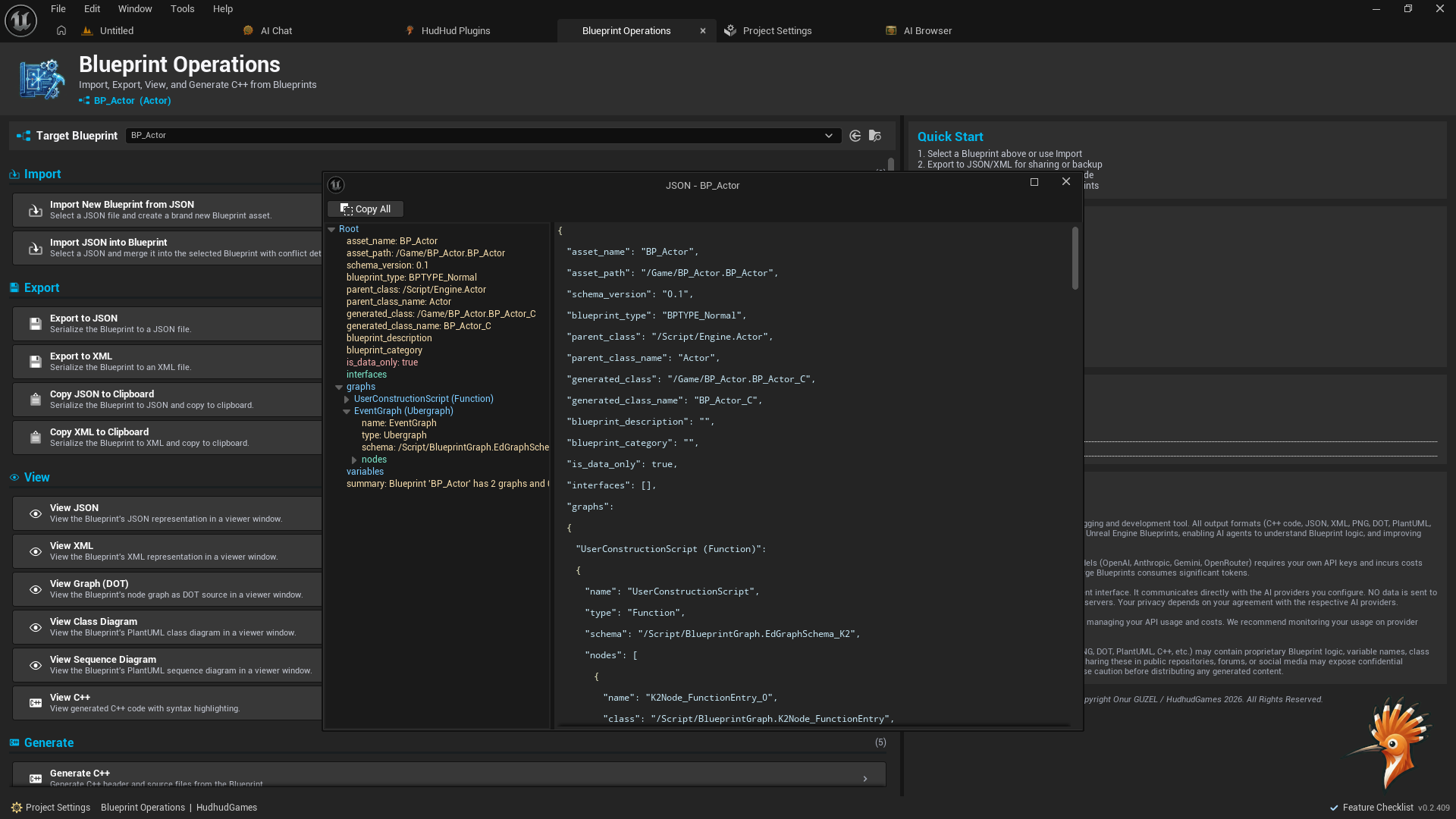
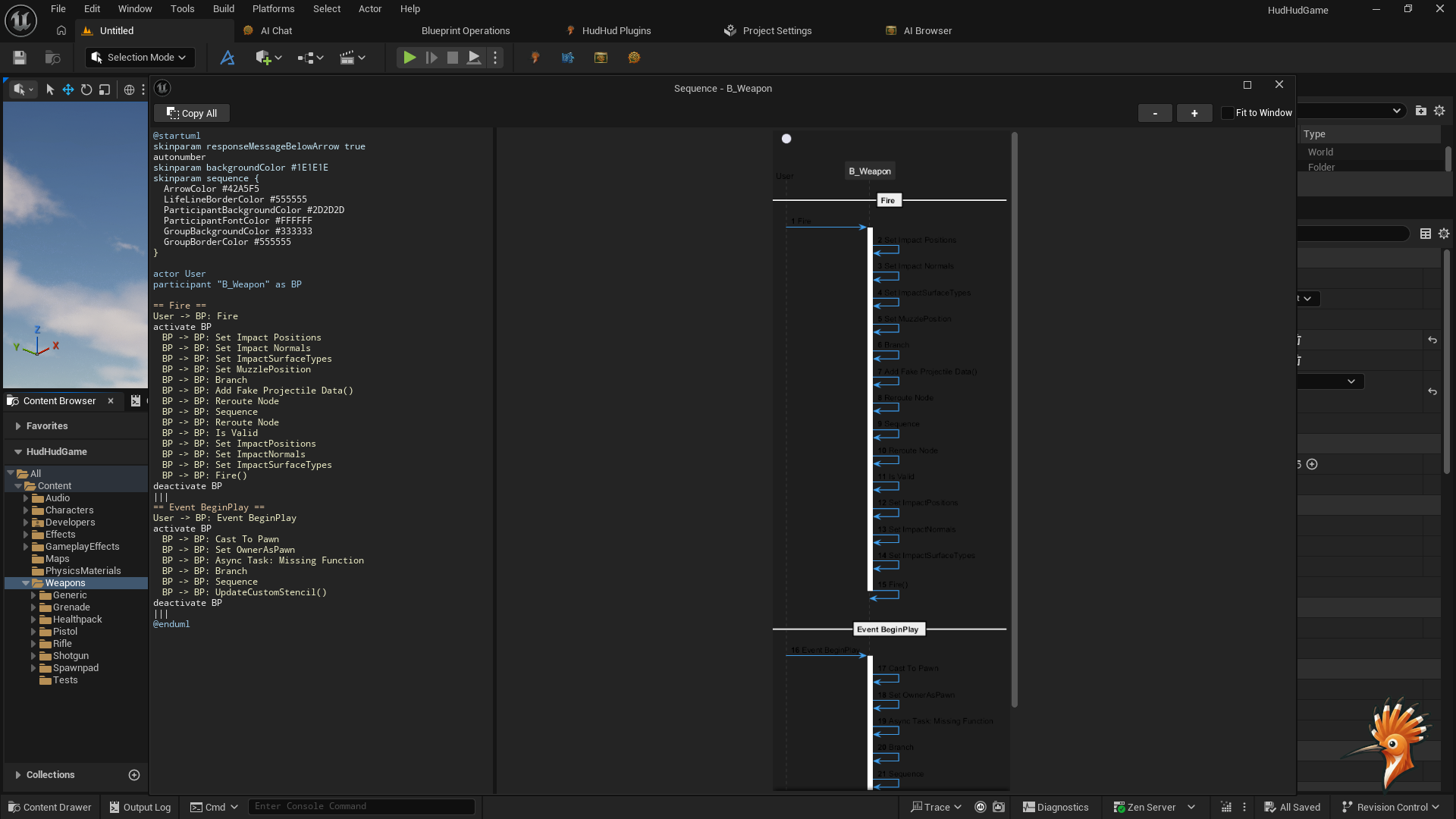
Visual Blueprint Inspector
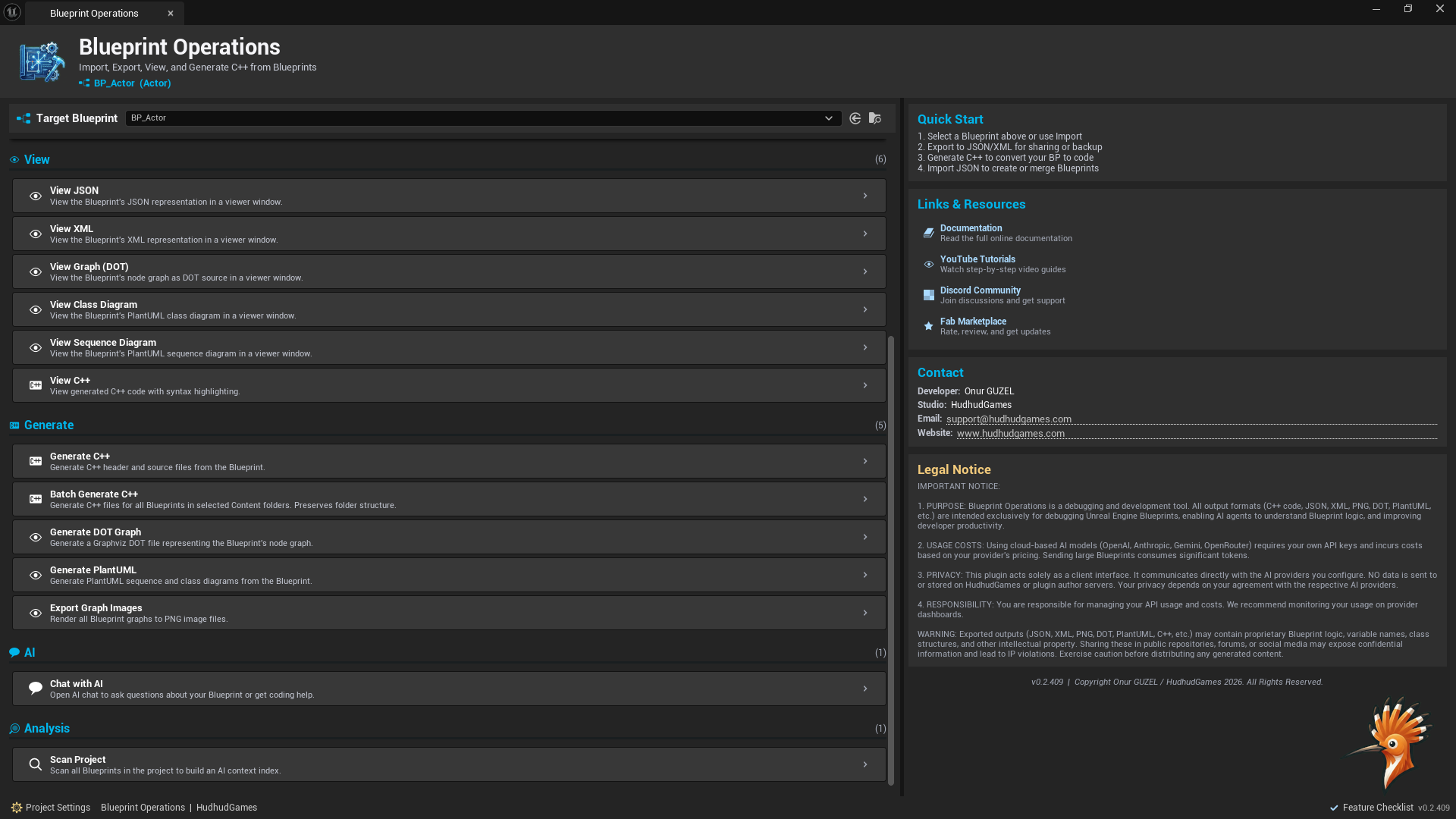
- Dedicated editor window with multi-panel layout (splitter-based)
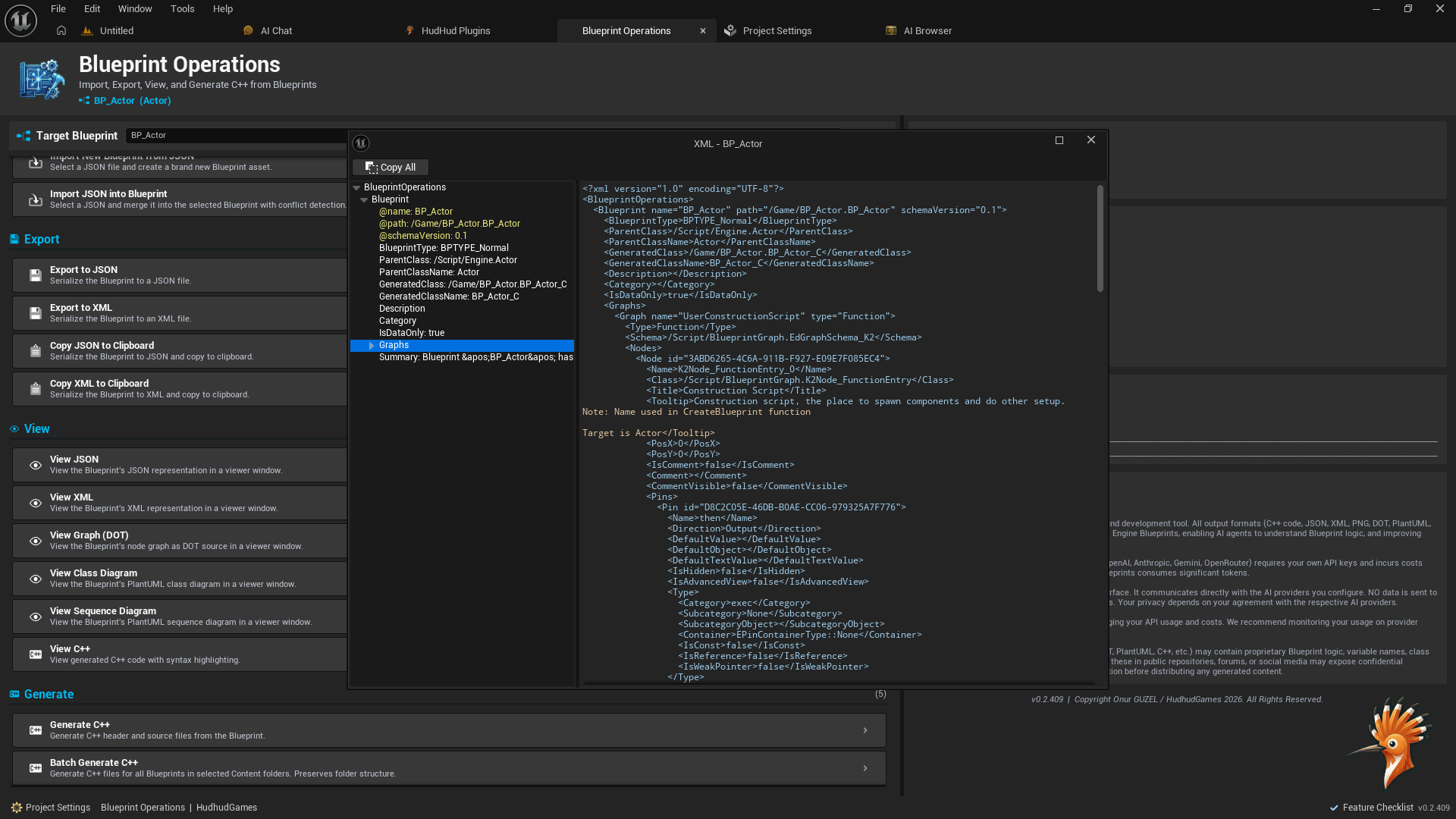
- Browse exported Blueprints with syntax-highlighted JSON viewer
- Color-coded data visualization with custom syntax colorizers
- Action panel with one-click export, analyze, and generate buttons
- Feature checklist showing which operations are available per Blueprint
Developer Experience
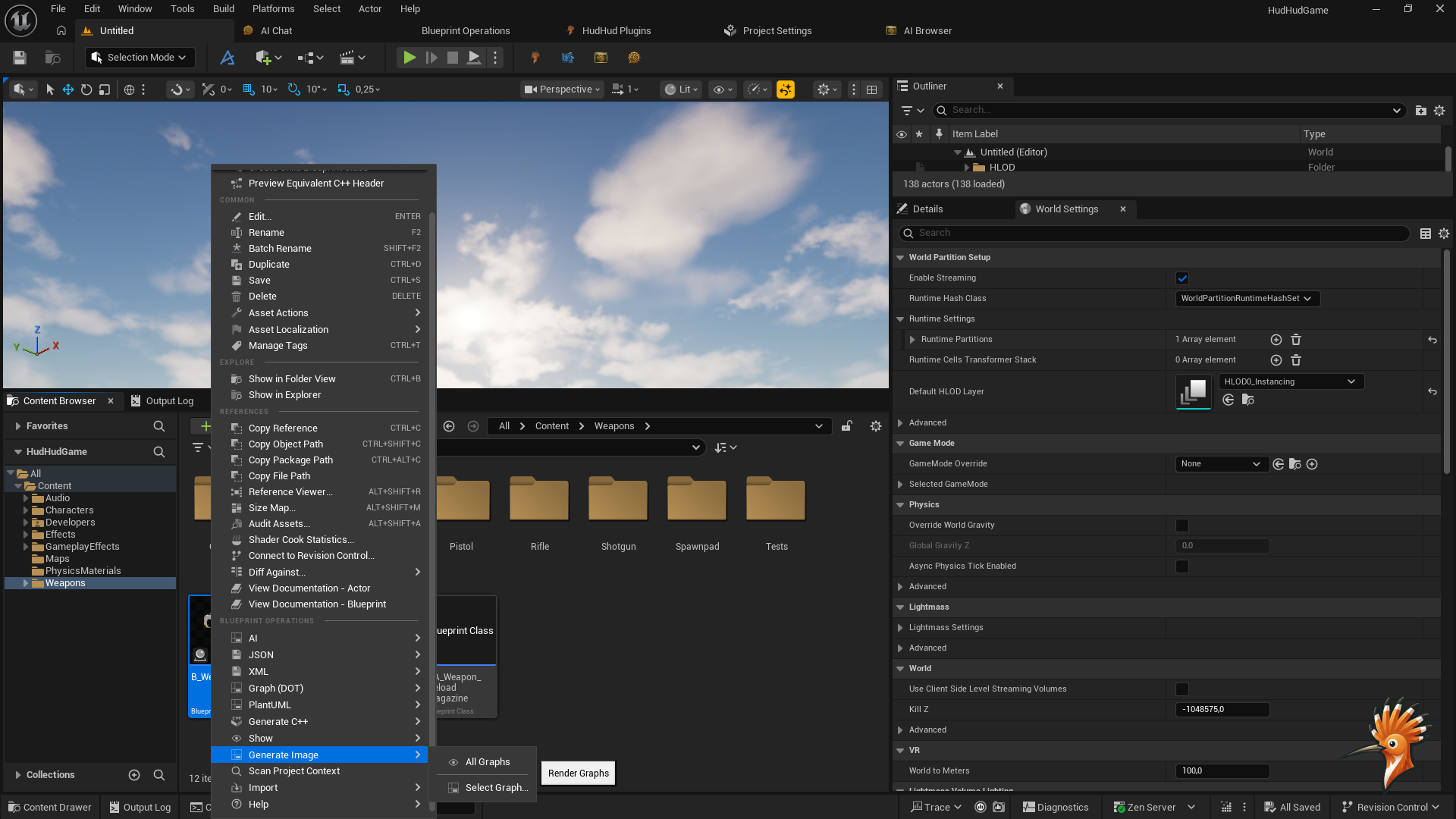
- Seamless Content Browser integration via right-click context menu
- Organized output directory (Saved/BlueprintOperations/)
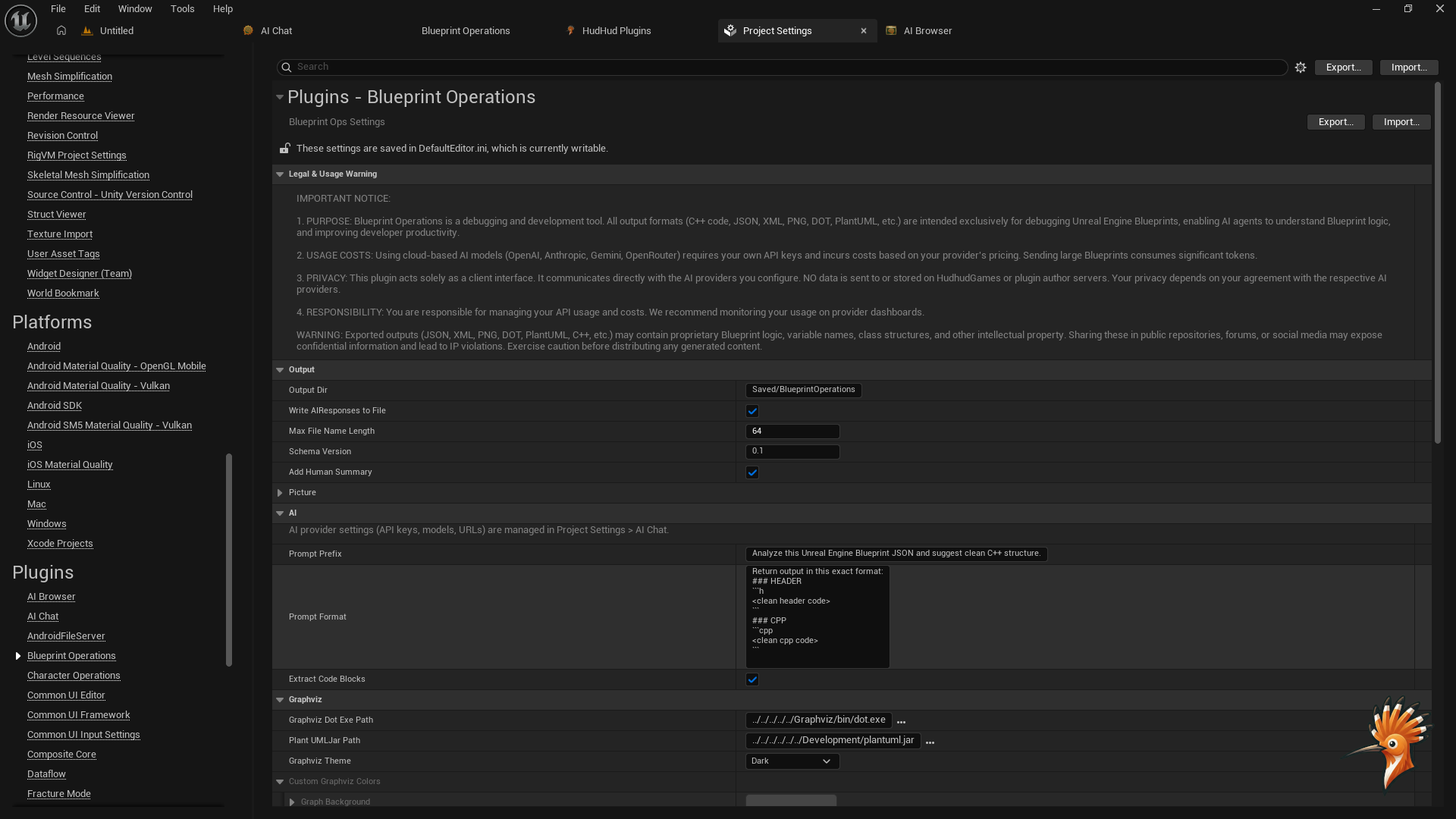
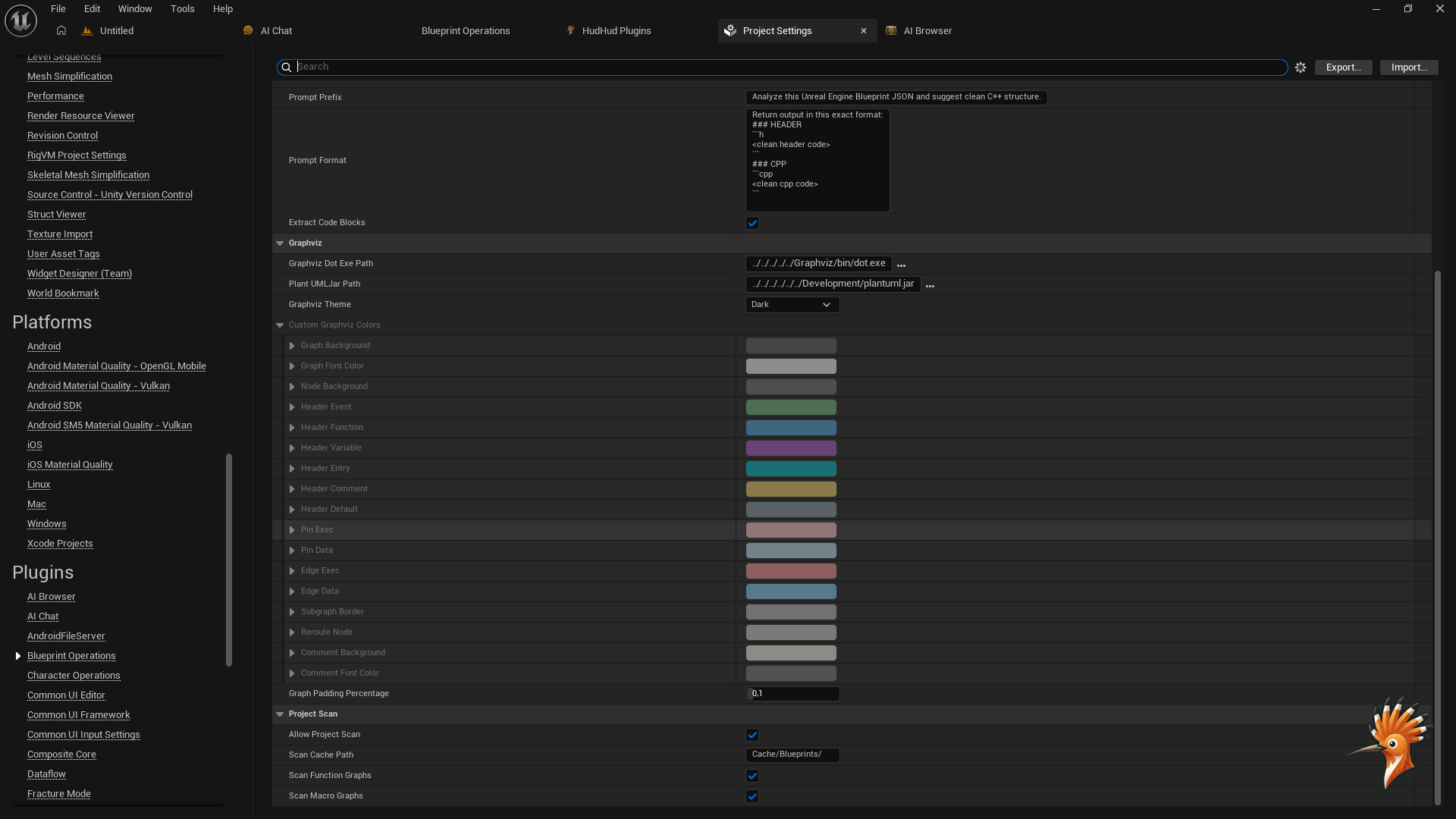
- Configurable via Project Settings (UDeveloperSettings)
- Detailed logging with dedicated categories (LogBlueprintOperations, LogBlueprintOpsAI)
- Command palette integration for quick access
Zero External Dependencies
- No dependency on any other HudHud Games plugin
- Fully self-contained — install Blueprint Operations alone and it works perfectly
- Optional: works great alongside AI Chat for sending Blueprint data to AI conversations
Who Is This For?
- UE Developers migrating from Blueprints to C++
- Technical Artists documenting complex Blueprint architectures
- AI-Assisted Developers using ChatGPT, Claude, or local LLMs to understand Blueprint logic
- Teams that need structured Blueprint data for code reviews, audits, or documentation
- Studios building large-scale Blueprint projects that need analysis tools
Supported AI Providers
| Provider | Type | Key Benefit |
|---|---|---|
| Ollama | Local LLM | Private, offline, zero API costs |
| OpenAI | Cloud API | GPT-4o, GPT-4, ChatGPT models |
| Gemini | Cloud API | Google’s Gemini 2.5 Pro, Flash |
Configuration
All settings accessible via Project Settings > Plugins > Blueprint Operations:
| Category | Settings |
|---|---|
| AI Provider | Default provider, per-provider API URLs, models, and API keys |
| Export | Output directory, JSON format options, AI Context toggle |
| Code Generation | Template style, output directory, batch settings |
| Prompts | Customizable prompt prefix, format templates per provider |
| Code Extraction | Auto-extract .h/.cpp from AI responses |
Output Structure
Saved/BlueprintOperations/
├── *.json              — Exported Blueprint JSON
├── Generated/          — Placeholder C++ skeletons (.h + .cpp pairs)
Media